How it works
Pair it once, with your Tesla Key Card. From then on, your wrist is the key.
1 · Pair your bracelet
- On the touchscreen, touch Controls › Locks › Keys › Add Key.
- Tap the Cyber Bracelet on the card reader: behind the cup holders on top of the centre console, or on the wireless phone charger.
- Tap your Tesla Key Card to confirm the pairing.
- Optional: rename the bracelet by touching the pencil icon next to it.
- Open the Tesla app and touch Security & Drivers › Add Key Card.
- Tap the Cyber Bracelet on the card reader: behind the cup holders on top of the centre console, or on the wireless phone charger.
- The app shows a confirmation. Touch Done.
- Optional: rename the bracelet by touching the pencil icon next to it.
You'll need your Key Card once. Tesla asks for an existing key (your Key Card, or a bracelet already paired) to confirm any new one.
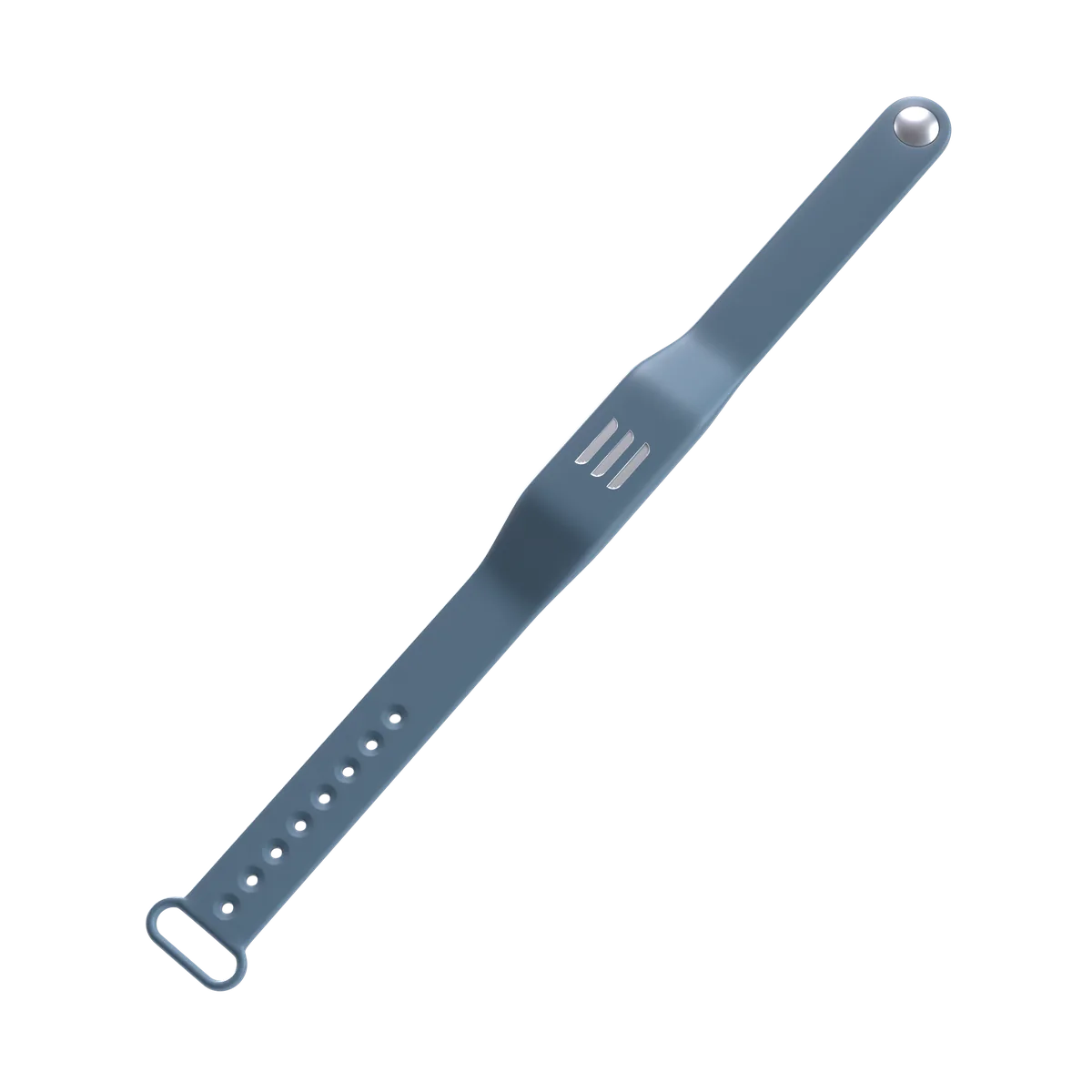
2 · Use it every day
Lock and unlock
Tap your wrist on the reader on the B-pillar, just below the driver-side camera. Move it slowly over the pillar the first time to find the exact spot.
If the car is asleep, wake it first, for example by touching the door handle, then tap.
Start and drive
Tap the bracelet on the card reader in the centre console, then press the brake within two minutes.
Waited longer than two minutes? Tap the bracelet on the reader again, then press the brake.
Still have a question?
A video tutorial will be added here.